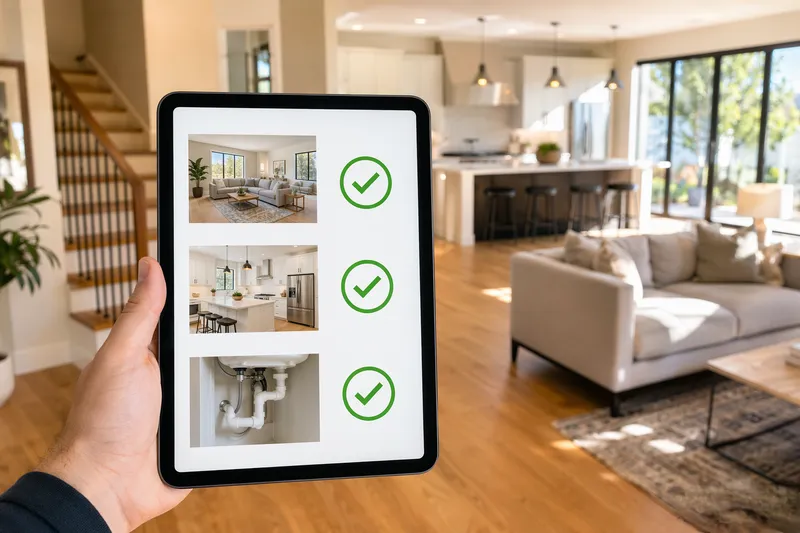
Create a professional property inspection report with photos. Everything runs locally; nothing is uploaded.
FreeToolHub Property Inspection Report Generator is a free browser-based tool — create a professional property inspection report with photos. No signup, no upload; everything runs locally in your browser.
About this tool
Create a professional property inspection report with photos. Walk through, check each area, generate PDF. Free, no signup.
8 room templatesPhoto upload3 status levelsPrint to PDF
What Is the Property Inspection Report Generator?
A free tool for landlords, property managers, and tenants to document property conditions during move-in, move-out, or routine inspections. Walk through each room, rate areas as good/needs-repair/damaged, add notes and photos, then generate a professional PDF report.
How to Conduct a Property Inspection
Enter the property details and inspection type. Select a room and go through each area — rate its condition, add notes about any issues, and take photos. Move to the next room. When done, click Generate Report to create a print-ready PDF with all findings, photos, and a summary.
Documenting defects the way landlords and insurers read them
A usable inspection report separates three things per finding: the location, the observed condition, and the severity. Landlords and insurers act on severity first — a safety issue like exposed wiring or a broken stair rail jumps the queue over cosmetic scuffs, so rate honestly rather than defensively. Note the room, the specific surface or fixture, and what you observed with a date: 'Kitchen — under-sink cabinet: moisture staining on the base board, no active drip as of March 2.' That wording records the condition without speculating about causes you cannot verify. Photograph wide-to-close: one context shot that identifies the room, then a close-up of the defect. The generator formats every item this way and totals them by severity, so a move-in condition report or a pre-listing punch list reads the way property managers and claims adjusters expect.
Frequently Asked Questions
Can I take photos with my phone?
Yes. On mobile, the photo upload button opens your camera. Photos are compressed locally (to max 800px) before being embedded in the report. No photos are uploaded to any server.
What rooms are included?
The tool includes 8 room templates: Living Room, Kitchen, Bedroom, Bathroom, Hallway, Exterior, Garage, and Basement/Attic. Each room has pre-defined areas to inspect (walls, floor, ceiling, etc.).
How do I generate the PDF report?
Click Generate Report to open a print-ready view. Use your browser's print dialog to save as PDF or print directly. The report includes property details, itemized findings with photos, and a summary count.
What should a home inspection report include?
Every finding needs three parts: the location (room plus the specific surface or fixture), the observed condition in factual language, and a severity rating. Reports are organized room-by-room with a summary that totals findings by severity, so safety items surface first instead of getting buried under cosmetic notes. The generator enforces exactly that structure and prints a formatted report when you are done.
Can I use this as a landlord move-in or move-out inspection?
Yes. Fill the room checklist during the walkthrough, rate each item, and print the report — both parties can keep a dated copy that documents the unit's condition at handover. The severity language ('observed', not 'caused by') is deliberately neutral, which is what deposit disputes and claims adjusters expect to see.
How should I rate the severity of a defect?
Rate honestly by impact, not by how it looks: safety hazards (exposed wiring, a loose stair rail, water intrusion) are critical and jump the queue; functional problems (a dripping tap, a cracked pane) are major; cosmetic issues (scuffed paint, worn finish) are minor. Insurers and property managers triage on severity first, so accurate ratings make the report actionable instead of defensive.
Where is my inspection data stored?
On your device only. The report lives in your browser, and your snapshots of in-progress inspections are saved to IndexedDB locally — nothing is uploaded to any server. Use the print/PDF export to produce the shareable document; that file is the artifact you hand to a landlord, tenant, or insurer.