Shared Family Calendar — Every Activity in One Place
One calendar for the whole family: color-coded by member, exportable to Google/Apple/Outlook via .ics, no app to install. Free and local.
Family scheduling fails in the group chat. A shared calendar that is color-coded per family member, visible to everyone, and exportable to whatever calendar app each person already uses fixes the "who has practice when" problem without a subscription.
Build the schedule here, export as .ics, and it lands in Google Calendar, Apple Calendar, or Outlook like any other feed. No app install, no account, and the family's schedule data stays local to your device.
100% in-browser · no upload · no signup · nothing you paste or drop here leaves your device
Family Schedule Hub
All your family's activities in one place. Color-coded by member, exportable to any calendar (.ics). No app to install — works on any device.
Start by adding family members, then create events. Or click Sample to see how it works.
All data stored locally in your browser. Export to .ics anytime to sync with Apple/Google/Outlook Calendar.
This tool runs 100% in your browser. All computation happens locally on your device — your input is never uploaded to any server. Results are for reference only.
Shared family calendar coordination — illustrated
Family scheduling is a merging problem: each member has their own activities, and a usable plan overlays everyone's events onto one shared week. This hub gives each person a color, records every event with an owner, date, start time, and duration, and supports weekly repeats — encoded on export in the iCalendar standard (RFC 5545) as an RRULE:FREQ=WEEKLY recurrence rule. Because .ics files use the same standardized format as every major calendar app, exporting the week merges those events into each member's Apple, Google, or Outlook calendar as a live copy rather than a static screenshot. Filtering by member then flips the merged grid back into a per-person view, so one hub serves both "what's happening for the family" and "what's mine this week".
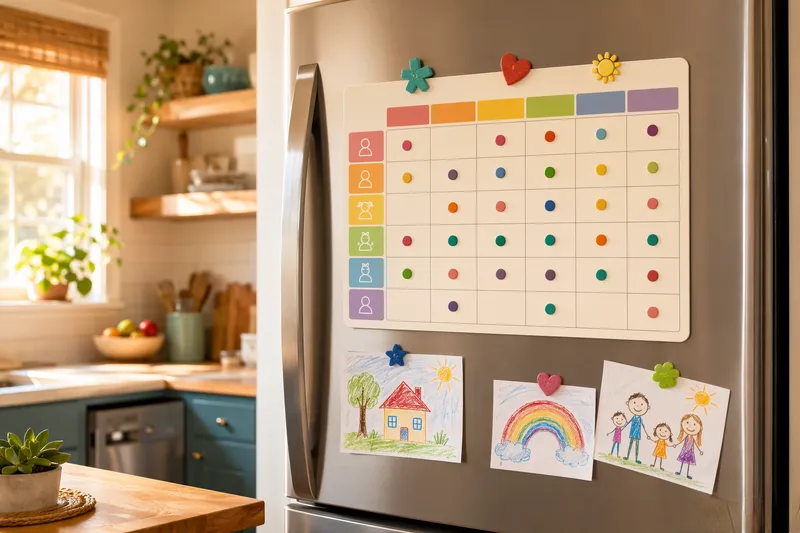
Each member's color-coded events feed into a merged week grid. Exporting the .ics file replays that same merged week inside each family member's own calendar app, complete with weekly repeats.
The Reyes family plans a busy week in the hub. Mom adds grocery shopping, Dad adds a dentist appointment, Emma has piano, and Jack has soccer practice that repeats every week.
- Add the members:Mom, Dad, Emma (12), and Jack (8) each get a color so the grid stays scannable
- Log the events:Dentist (Dad, Tue 10:00), piano (Emma, Tue 17:30), grocery (Mom, Wed 09:00) with durations
- Repeat the weekly:Jack's soccer practice is marked weekly — exported as RRULE:FREQ=WEEKLY so it lands on every future week
- Export and merge:One .ics file opens the shared week inside each member's calendar app, color-coded by owner
About this shared family calendar
This page covers family calendar app free, family organizer schedule, kids activities schedule planner, shared calendar without app — all the same underlying task as shared family calendar. The tool above is FreeToolHub's family schedule hub embedded in full: every feature works right here, and nothing you process is uploaded to any server.
Frequently asked questions
How do I share the calendar with my family?
Build the schedule with color-coding per member, then export the .ics file — each family member imports it into their own Google, Apple, or Outlook calendar, where events appear alongside everything else. Re-export after major changes; the file-based flow is what keeps it free and app-free.
Do family members need to install anything?
No. The hub runs in any browser, and the .ics export works with the calendar apps people already have. Nothing to install, no accounts to create — which is usually the difference between a family calendar that gets used and one that gets abandoned.