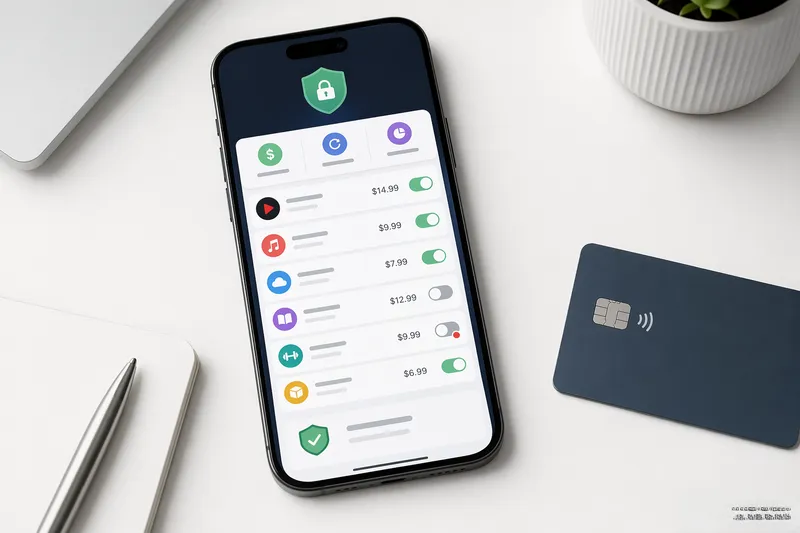
Find zombie subscriptions and generate cancellation letters. Everything runs locally; nothing is uploaded.
FreeToolHub Subscription Auditor is a free browser-based tool — find zombie subscriptions and generate cancellation letters. No signup, no upload; everything runs locally in your browser.
About this tool
Find zombie subscriptions and generate cancellation letters. No bank login, 100% private.
Zombie detection30+ merchant dictCancel lettersCSV import
What Is the Subscription Auditor?
This tool scans your bank or credit card statement — pasted text or CSV export — and surfaces every recurring charge: subscriptions, memberships, insurance premiums, and the zombie subscriptions you cancelled but that kept billing. It groups charges by merchant, computes monthly and annual cost per subscription, flags duplicates and free-trial conversions, and totals what recurring spending costs you per year. For everything you want to kill, it generates a ready-to-send cancellation letter. No bank login, no aggregation service, no data leaves your browser.
Who Should Use This Tool?
Anyone who has ever said I should really go through my subscriptions and never did. People whose free trials quietly rolled into paid plans months ago. Households consolidating finances after a move, job change, or divorce who need a clean inventory of recurring obligations. Budget-builders quantifying how much subscription creep costs before deciding what to cut. Privacy-conscious users who will not hand bank credentials to a third-party aggregator like Mint-era apps required.
How Does It Work?
(1) Export your statement as CSV from your bank, or copy-paste the transactions table from online banking. (2) The parser extracts dates, merchant names, and amounts, then groups repeated merchants into subscription candidates. (3) Review the detected list: each entry shows frequency, amount, monthly equivalent, and annual total, with suspicious patterns flagged — amount increases, billing after your cancellation date, duplicate services. (4) Check what you want to cancel; the tool generates matching cancellation letters with your account placeholders filled in.
How Much Do Forgotten Subscriptions Cost Per Year?
The pattern is consistent across surveys: households carry more subscriptions than they can name, and the average under-used or forgotten recurring charge runs $10–$25 monthly. Ten unnoticed charges at $15 average is $1,800 a year — a car payment. The expensive categories are the quiet ones: cloud storage tiers you outgrew the need for, premium apps whose trial converted, news and magazine paywalls read once, gym and class memberships tied to contracts, kid-oriented game subscriptions, and duplicate services — two music platforms, two cloud drives, overlapping streaming tiers in one household. The audit math to run: for each subscription, monthly cost times twelve against a simple yes/no on would I sign up for this again today. Anything below a confident yes is a cancellation candidate, and the letter generator turns the whole cleanup into a one-sitting job.
Frequently Asked Questions
Is Subscription Auditor safe to use?
Yes. All parsing happens 100% in your browser. No data is uploaded, no bank login is required, and nothing is stored — your statement text is erased when you close the page.
How does it find subscriptions?
The tool uses a regex pattern to extract merchant names and amounts from each line of your statement. It then groups charges by normalized merchant name and amount, and flags any that appear 2+ times (indicating a recurring charge) or match a built-in dictionary of 30+ known subscription brands like Netflix, Spotify, Adobe, and gym memberships.
What are zombie subscriptions?
Zombie subscriptions are small recurring charges (under $25) that appear 3 or more months in a row. They are easy to forget about — like a $4.25 newspaper digital subscription or a $9.99 app store charge — and can cost you $100+ per year without realizing it.
Can I upload a CSV file?
Yes. Click the "Upload CSV" button and select your bank statement CSV file. The tool will automatically detect the merchant and amount columns and parse them. The file is processed entirely in your browser — nothing is uploaded.
How do the cancellation letters work?
For each subscription you select, the tool generates a professional cancellation letter in your chosen tone: polite and friendly, firm and formal, or formal with legal language referencing consumer protection laws. You can copy all letters to clipboard, download as a text file, or print them directly.
Other names for this tool
This tool is also known by these tasks — each link opens the same tool with a focused guide: